









Email add-in
TransferNow add-in for your Outlook mailbox – boost productivity
The TransferNow add-in for Outlook is free and lets you send large attachments (up to 5 GB per transfer, with an account) directly from your Outlook mailbox. Send large documents directly from Outlook with our add-in, which integrates perfectly with your email software.
- Outlook Web & Desktop
- Send without leaving your email
- Password & antivirus

Email add-in
Our Outlook add-in to transfer files
Optimize large file transfers with the TransferNow add-in for Outlook. Easy to use, it enables rapid sending directly from Outlook. Save time and increase efficiency!
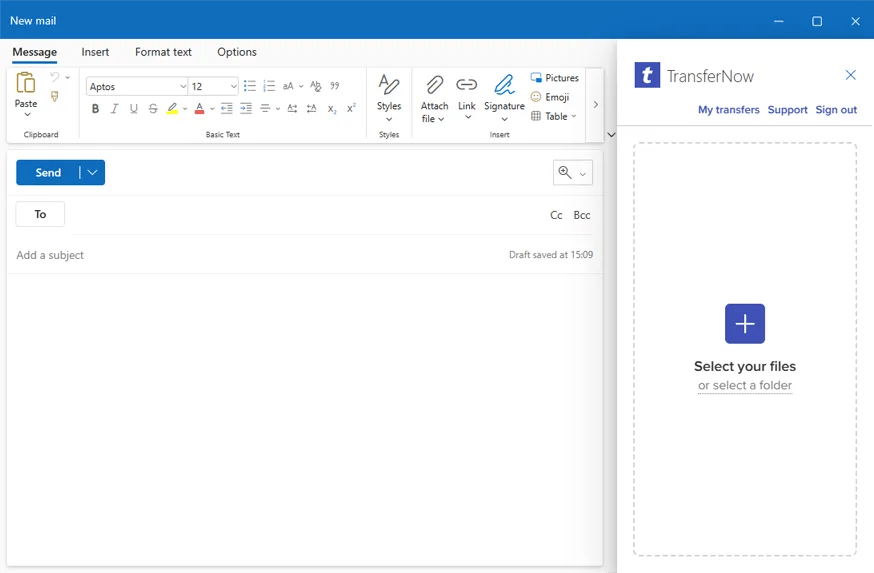
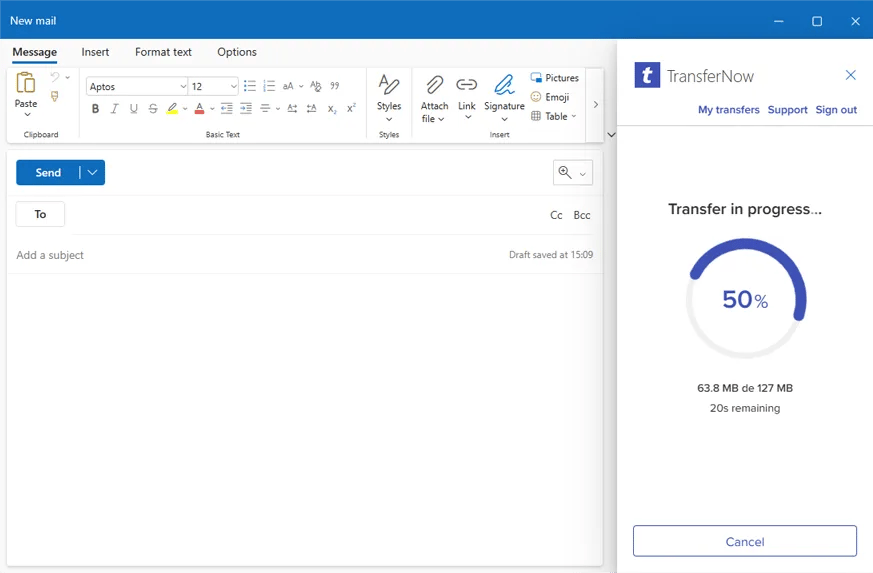
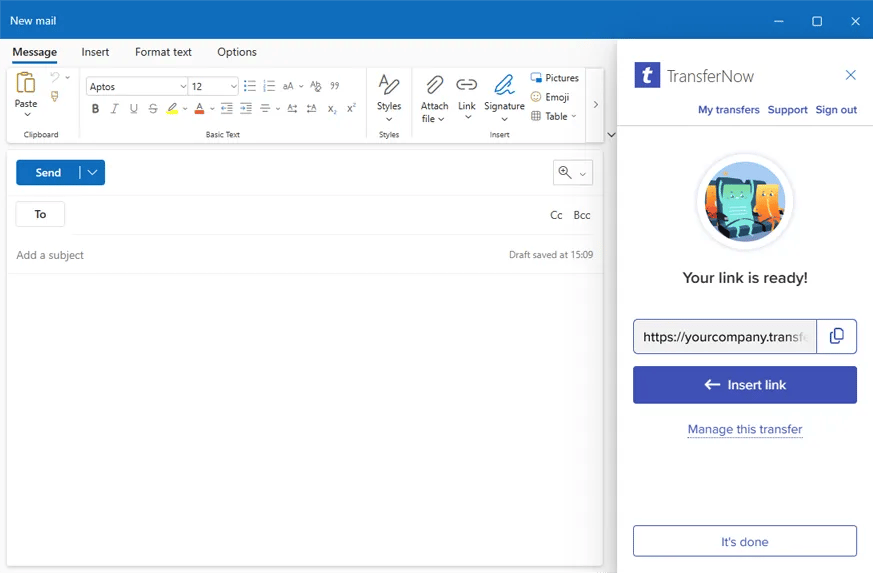
Select files, complete our form, and confirm. Once the upload is complete, you get a link that you can easily copy or insert into your email.
Why the app?
The add-in instead of attachments?
The add-in replaces your large attachments with a download link, right from the Outlook compose window: no more messages bounced for exceeding the size limit, no more saturated recipient inboxes.
You keep the same limits and options as on the website: up to 5 GB for free, password, download tracking, and notifications.
Frequently asked questions
Is the Outlook add-in free?
Yes, the add-in is free on Microsoft AppSource, with up to 5 GB per transfer with an account.
Which versions of Outlook does it work with?
Modern versions of Outlook (Windows, Mac, and web) that support Microsoft AppSource add-ins.
How does the recipient receive the files?
Your email goes out with a download link instead of the attachments: the recipient clicks and retrieves the files from their browser, without an account.
Does my administrator need to approve the installation?
In some organizations, adding add-ins goes through the Microsoft 365 administrator — the add-in is then deployed centrally for the whole team.
How large can the files I send from Outlook be?
Up to 5 GB per transfer for free, and more depending on your plan — without saturating your recipients’ mailboxes.
Multi-platform
TransferNow on all your devices
Desktop software
Windows, macOS, and LinuxTransferNow for Windows
Use our large file transfer solution directly from your Windows computer.
Learn moreTransferNow for Mac
Use our large file transfer software directly from your macOS computer.
Learn moreTransferNow for Linux
Use our large file transfer tool directly from your Linux computer.
Learn moreMobile apps
Android and iOSTransferNow for Android
Take the TransferNow app for Android mobile devices with you wherever you go in your pocket to send photos and videos or any other large files.
Learn moreTransferNow for iOS
Take the TransferNow app for Apple smartphones with you everywhere in your pocket to share photos and videos or any other large documents.
Learn moreExtensions & add-ins
Browsers and email clientsTransferNow for Chrome and Gmail
Send large files from your Chrome browser and your Gmail inbox with our official extension.
Learn moreTransferNow for Firefox
Transfer large files directly from your Mozilla Firefox browser with our dedicated extension.
Learn moreTransferNow for Thunderbird
Coming soonSend large attachments from Mozilla Thunderbird with our dedicated add-on for the email client.
Learn moreSend and receive your files, wherever you are